


Skip to product information
Log in to use the wishlist feature
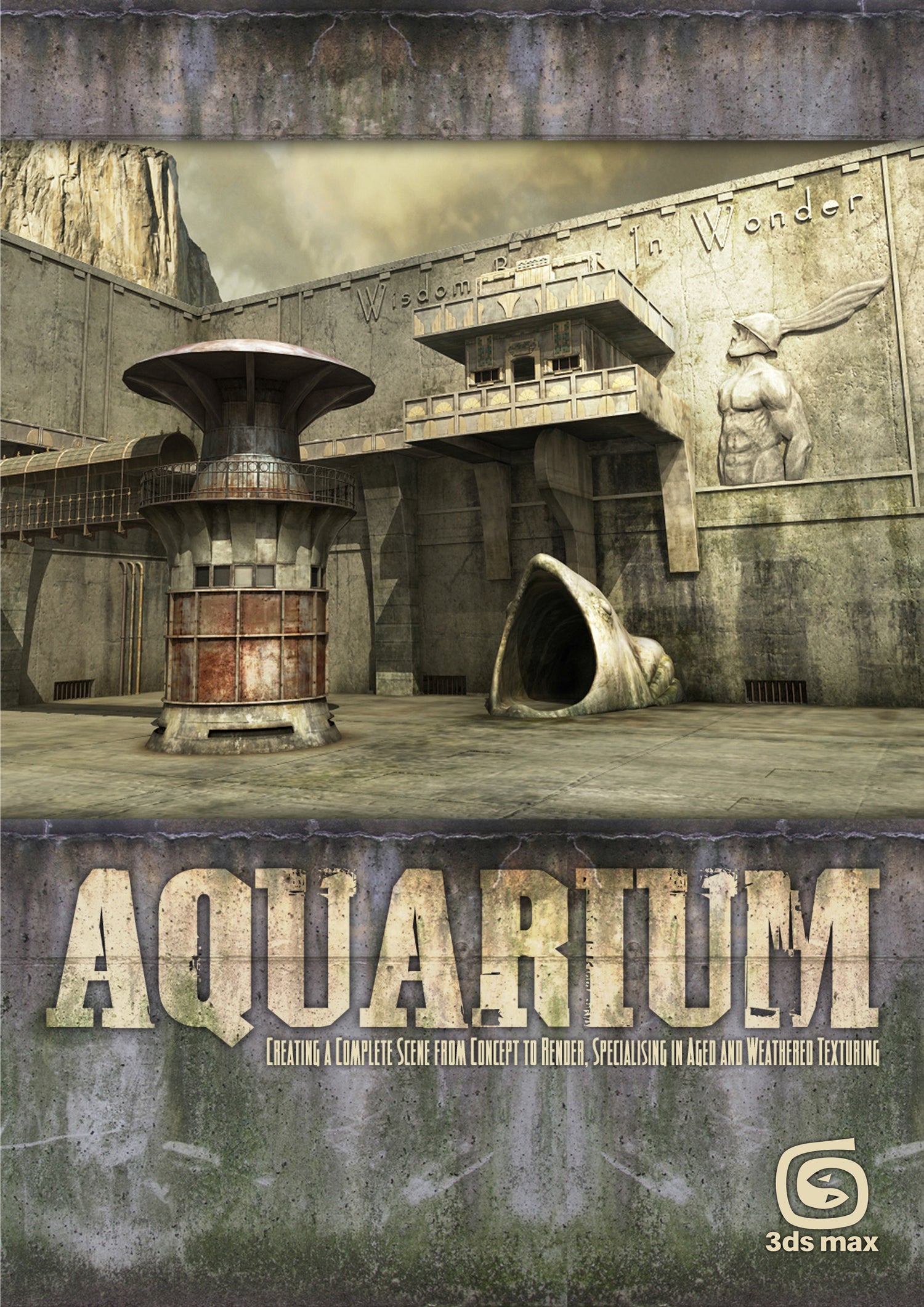
This 38-page tutorial series is split into six chapters and endeavors to give you an insight into how a fully realized 3D scene may be arrived at from beginning to end. The tutorial covers everything from concept sketches through to building the 3D scene, mapping and unwrapping, texturing and eventually to lighting and rendering, culminating in a final render.


Aquarium - 3ds Max (Download Only)
Sale price
£5.00
Regular price
£9.95
Enter full address at checkout for shipping options and any applicable taxes.
Pickup currently not available
When you purchase this item, you will be emailed links to download the content, and also be able to download the files from your Account section.
More about this
The emphasis over the course of the series is on the texturing, which is covered in two of the six installments, and principally the aging and wear of materials.
Please Note: Chapters 1 - 3 are non software specific and instead deal with techniques and principles common to designing and building an environment. The author has used 3ds Max to build the scene and therefore Chapter 2 references the Max interface, however the methods are equally applicable to all packages.
Product detailsAuthor : 3DTotal.com Ltd
Original scene : Richard Tilbury
Tutorial by : Richard Tilbury
Platform : 3ds Max 2009
Format : DOWNLOAD ONLY PDF
Size : 33.8 MB
Pages : 38
Subjects covered: Lighting, Poly Modelling, Rendering, Texturing, UV mapping
Focus: 3D digital art
Skill level: Intermediate
Software: Adobe Photoshop, Autodesk 3ds Max
Contents and Contributors
CONTENTS
Chapter 1 - Importance of references
The series begins with a look at the importance of reference material, how to go about gathering some, and how to transpose these references into some concept sketches and a concept/production painting.
Chapter 2 - Modeling overview
This chapter goes on to deal with a general modeling overview, which will be non-software specific. This is followed by a look at Photoshop and some general preparation of textures, along with tips on removing seams and tiling problems.
Chapter 3 - Preparing the textures
This chapter focuses on Photoshop and, more specifically, the job of preparing textures, including painting out seams and making images tileable.
Chapter 4 - Texturing principles
This chapter focuses on texturing principles such as mapping and unwrapping bump, specular and normal maps along with combining textures.
Chapter 5 - Texturing principles
This chapter covers using masks and adding dirt and grime.
Chapter 6 - Lighting and rendering
The final chapter discusses lighting and rendering techniques and show how a simple lighting rig can be set up, along with different render passes ready for a final composite in Photoshop.
Resource files
All the free content that accompanies this tutorial, including relevant resources and scene files, can be found in the Aquarium eBook download folder.