


Skip to product information
Log in to use the wishlist feature
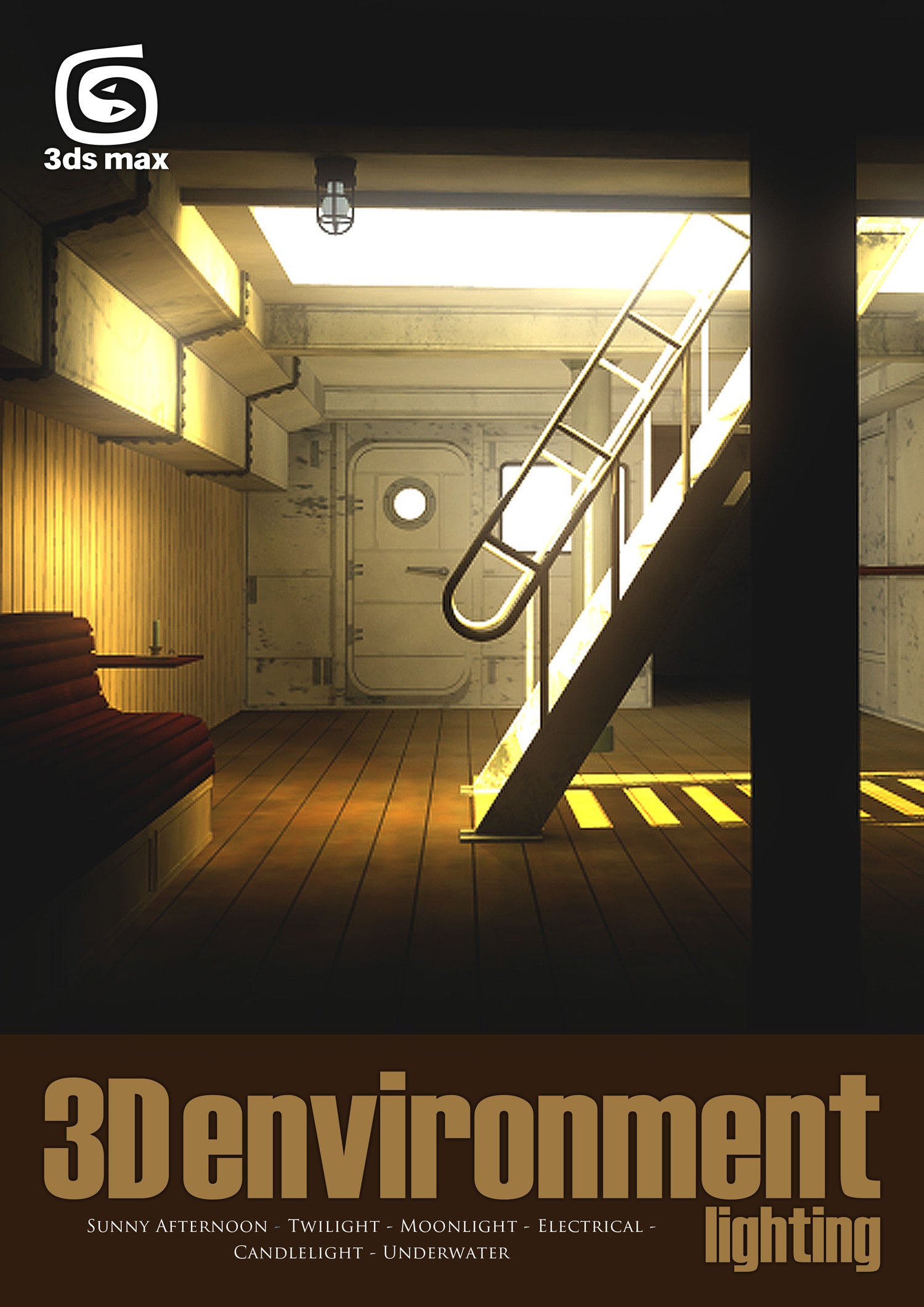
3D Environment Lighting is an 84-page tutorial series where, over the course of the six chapters, we detail how to light an environment under a number of different conditions. Each chapter covers a step-by-step guide to setting up lights, aimed at portraying the scene in a specific manner.


3D Environment Lighting - 3ds Max (Download Only)
Sale price
£5.00
Regular price
£8.55
Shipping calculated at checkout.
Pickup currently not available
When you purchase this item, you will be emailed links to download the content, and also be able to download the files from your Account section.
More about this
The various chapters are tailored to specific software packages, and each aims to show a comprehensive and effective way of lighting the interior of a ship that includes both natural and artificial light. These include a sunny afternoon, sunset, moonlight, electric light, candlelight and finally a submerged submarine light.
Product detailsAuthor : 3DTotal.com Ltd
Original scene : Richard Tilbury
Tutorial by : Luciano Iurino
Platform : 3ds Max
Format : DOWNLOAD ONLY PDF
Size : 47 MB
Pages : 84
Subjects covered: Lighting, Look development
Focus: 3D digital art
Skill level: Intermediate
Software: Autodesk 3ds Max, NVIDIA mental ray
Contents and Contributors
CONTENTS
Chapter 1 - Sunny afternoon
In this chapter we take a look at how to set up "sunny afternoon” lighting for our 3D environment, using mental ray to render.
Chapter 2 - Twilight
In this chapter we set up our lighting scene to make it resemble a moody sunset, again using mental ray to render.
Chapter 3 - Moonlight
This time we create a typical moonlight setup for the ship cabin scene, using the mental ray renderer.
Chapter 4 - Electrical
In this chapter we learn how to create an artificial lighting situation for our ship cabin scene, using 3ds Max and mental ray.
Chapter 5 - Candlelight
This time we learn how to light the ship's cabin with some candles. Only one candle will be visible on the left; the other two will just light the scene and cast shadows, but will be out of view (one on the right and one in the back of the room).
Chapter 6 - Underwater
In this last chapter we set up a nice underwater scene for the ship cabin. Just imagine it has sunk and is now lying on the ocean bed!
For a preview of this ebook, simply click the pages of the book below.
Flipbook will be here