


Skip to product information
Log in to use the wishlist feature
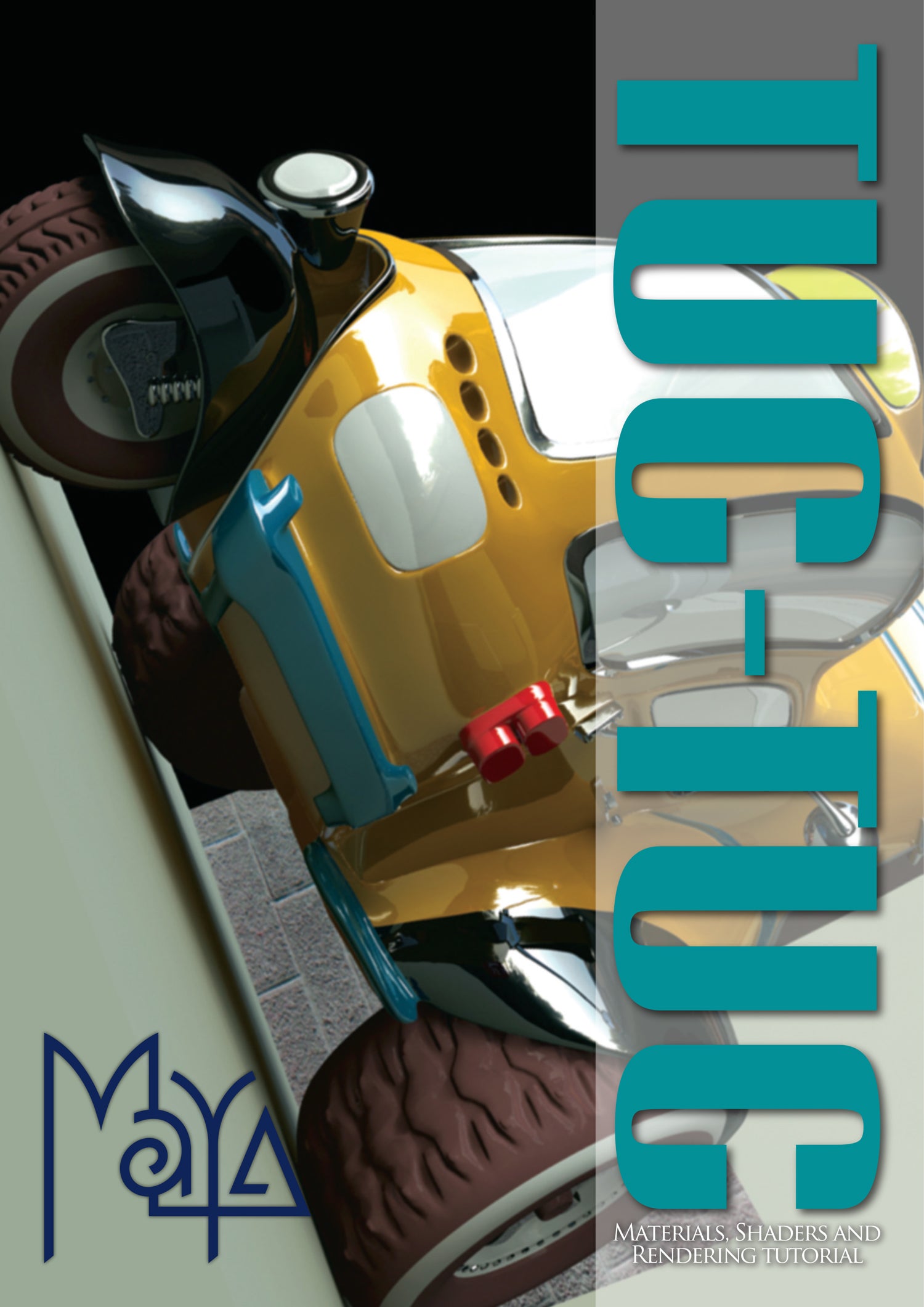
Tuc Tuc is a precise, step-by-step tutorial eBook which begins with a vehicle model and covers the principals of applying shaders, placing it in a simple scene, lighting and rendering.


Tuc Tuc - Maya (Download Only)
Sale price
£5.00
Regular price
£8.55
Shipping calculated at checkout.
Pickup currently not available
When you purchase this item, you will be emailed links to download the content, and also be able to download the files from your Account section.
More about this
The tutorial begins by creating and applying materials for the various parts of the car, such as glass, chrome and tires, as well as texturing some simple geometry that will make up a scene. It then moves onto lighting where the focus will be on setting up a lighting rig and the various parameters connected to this. Finally the series culminates with a section on rendering, where the aim will be to finish with a polished image.
Product detailsAuthor : 3DTotal.com Ltd
Original design : Richard Tilbury
Tutorial by : Bogdan Horduna
Platform : Maya
Format : DOWNLOAD ONLY PDF
Size : 63.4 MB
Pages : 50
Subjects covered: Lighting, Materials, Rendering
Focus: 3D digital art
Skill level: Intermediate
Software: Adobe Photoshop, Autodesk Maya
Contents and Contributors
CONTENTS
Chapter 1 - Applying materials and shaders - Part 1
The first part of this tutorial covers the basics of the Maya interface, tools and techniques.
Chapter 2 - Applying materials and shaders - Part 2
In this chapter we look at how to apply shaders and materials to the remaining parts.
Chapter 3 - Lighting setup and rig (with HDRi) - Part 1
This chapter begins with a short presentation of HDRi (High Dynamic Range image). An HDR image is a format that has multiple levels of exposure. Those different levels of exposure can be used to obtain a much more dynamic range for things like reflections.
Chapter 4 - Lighting setup and rig (with HDRi) - Part 2
This part discusses tuning the lighting in order to get some really good results, like volumetric light or light fog, for example.
Chapter 5 - Rendering - Part 1
In this part we look at Final Gathering (FG) and how FG can be tuned in order to obtain a realistic illumination, to save render time, and at the same time to achieve high quality images.
Chapter 6 - Rendering - Part 2
The final chapter of this series covers a little bit about Global Illumination (GI) and about the way in which we may use our HDRi map to emit photons. We end the tutorial by tuning everything - Shaders, Lights, Final Gather, Global Illumination and HDRi - into a final render.